
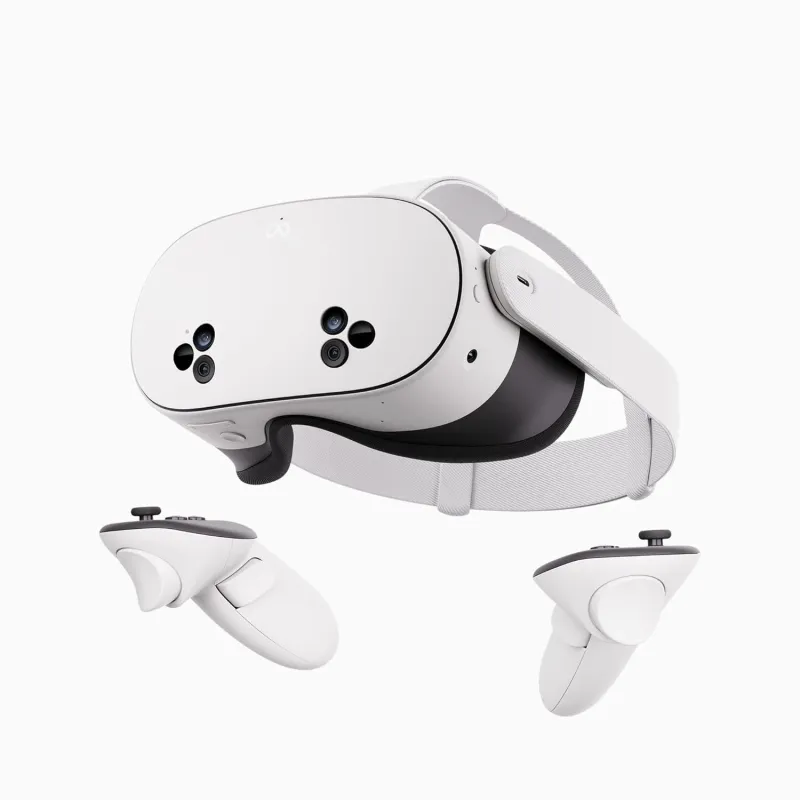
The 8K VR POV Masterclass: Meta Quest 3S Optimization
Stop settling for blurry 4K. It's 2026—time to unlock the full potential of your Quest 3S.
In early 2026, the Meta Quest 3S has solidified its position as the "people’s champion" of virtual reality. While the hardware is impressive, most users are only seeing 40% of what their lenses are capable of. If you are browsing DeepInSex and things don't look "life-like," the bottleneck isn't the content—it's your configuration.
This guide will walk you through the elite settings required to stream Meta Quest 3S VR porn in native 8K, ensuring you experience the holy grail of adult tech: Total Presence.
1. The Science: Why 8K VR POV is Mandatory
On a flat TV, 4K is plenty. But in a 180-degree VR environment, that 4K image is stretched across your entire field of vision. This results in a low PPD (Pixels Per Degree), leading to the "Screen Door Effect."
Approximately 20 pixels per degree. Looks like a DVD from 2005 when viewed through Quest 3S lenses.
Approximately 45-60 pixels per degree. This is the "Retina" threshold where your brain stops seeing pixels and starts seeing people.
2. Dominating the Meta Quest Browser
To rank in the top tier of 2026 performance, you need to bypass the browser's safety limiters. The Quest Browser often defaults to a "Mobile User Agent," which throttles video bitrates to 20Mbps. Our 8K VR POV scenes require at least 100Mbps for zero-artifact clarity.
The "Pro" Flag Workflow:
Type chrome://flags into your URL bar and search for these specific entries:
- GPU Rasterization: Set to Enabled. (Reduces CPU overhead).
- Override Software Rendering List: Set to Enabled. (Unlocks the full power of the Adreno GPU).
- Zero-Copy Rasterizer: Set to Enabled. (Speeds up 8K texture loading).
3. IPD: The Secret to Scale-Accurate POV
The most common complaint in Meta Quest 3S VR porn is that the girls look "too small" or "too big." This is almost always an IPD (Interpupillary Distance) mismatch. The Quest 3S has three physical lens positions.
4. Spatial Audio & "The Whisper"
In 2026, immersion is 50% visual and 50% auditory. DeepInSex uses Spatial Binaural Audio. If you are using the built-in Quest 3S speakers, you are missing the directional cues of a performer whispering in your ear or the rhythmic sounds of a high-intensity cowgirl session.
For the best 8K VR POV experience, we recommend over-ear open-back headphones. This allows the spatial soundstage to feel "wider," matching the 180-degree visual field.
5. Troubleshooting FAQ
Why is my 8K video buffering?
8K streaming at 120Mbps is demanding. Ensure you are on a 5GHz Wi-Fi 6 band. If you are on 2.4GHz, 8K is impossible. Check our latest 8K VR releases to test your speed on our newest optimized servers.
Is the Quest 3S better than the Vision Pro for POV?
The Vision Pro has higher resolution, but the Quest 3S is lighter and supports Lying Down Mode, making it the superior choice for long, relaxed sessions of Meta Quest 3S VR porn.
Ready for the 8K Revolution?
Experience the sharpest, most realistic POV scenes ever filmed. Optimized for the hardware you own.
Watch New 8K ReleasesOr return to the DeepInSex Home Page