
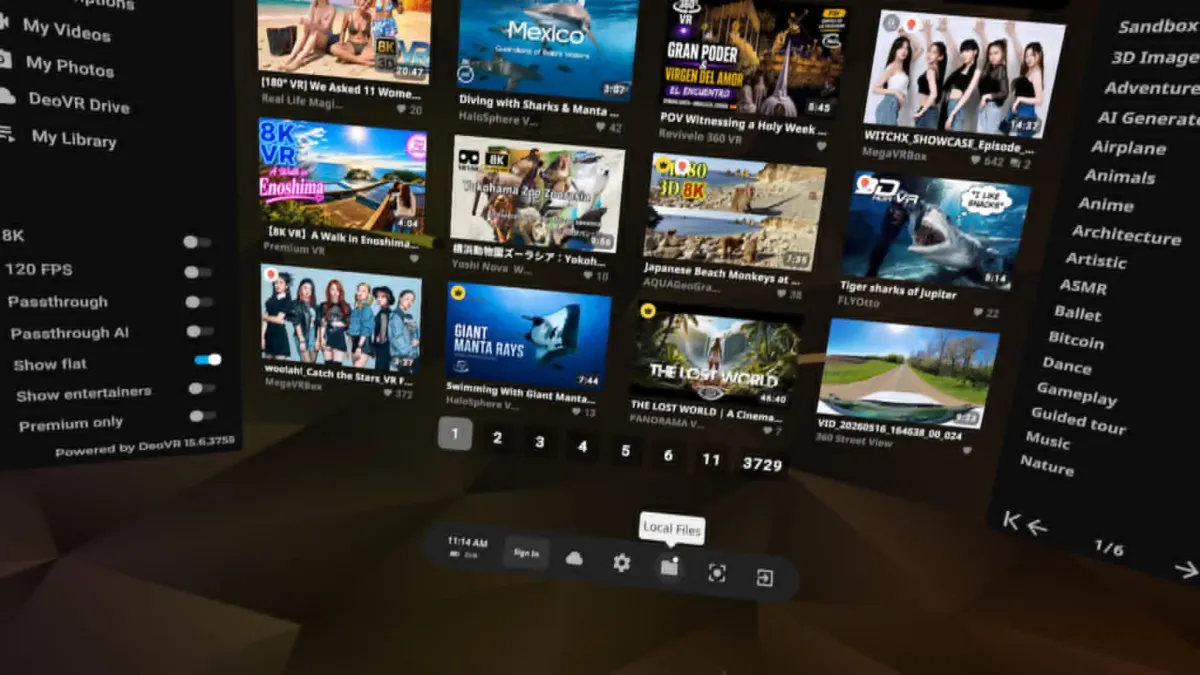
Passthrough videos are one of the most exciting features in VR adult entertainment in 2026. They let you watch Deepinsex scenes while seeing your real world environment at the same time, creating a powerful mixed reality experience.
Deepinsex offers a growing library of high quality green screen passthrough videos that work excellently with the DeoVR player on Meta Quest 3 and Quest 3S. Here is a complete step by step guide to help you enjoy them easily.
Step by Step Guide
1. Prepare Your Headset and DeoVR App Make sure your Meta Quest 3 or Quest 3S is updated to the latest software. Download and install the latest version of DeoVR from the Meta Quest Store.
2. Download Passthrough Videos from Deepinsex Go to Deepinsex and find videos labeled with VR Passthrough. Download the video file to your computer.
Recommended title: Melanie Marie Will Fuck You In Your Home (Passthrough) -> a highly immersive scene where Melanie Marie appears right in your room.
3. Transfer the Video to Your Quest Connect your Quest headset to your computer using a cable. Copy the downloaded video into the Movies or DeoVR folder on your headset.
4. Open the Video in DeoVR Launch the DeoVR app on your Quest. Navigate to the folder containing the video and select it to start playing.
5. Enable Passthrough Mode While the video is playing, open the settings menu. Find and turn on the Passthrough option.
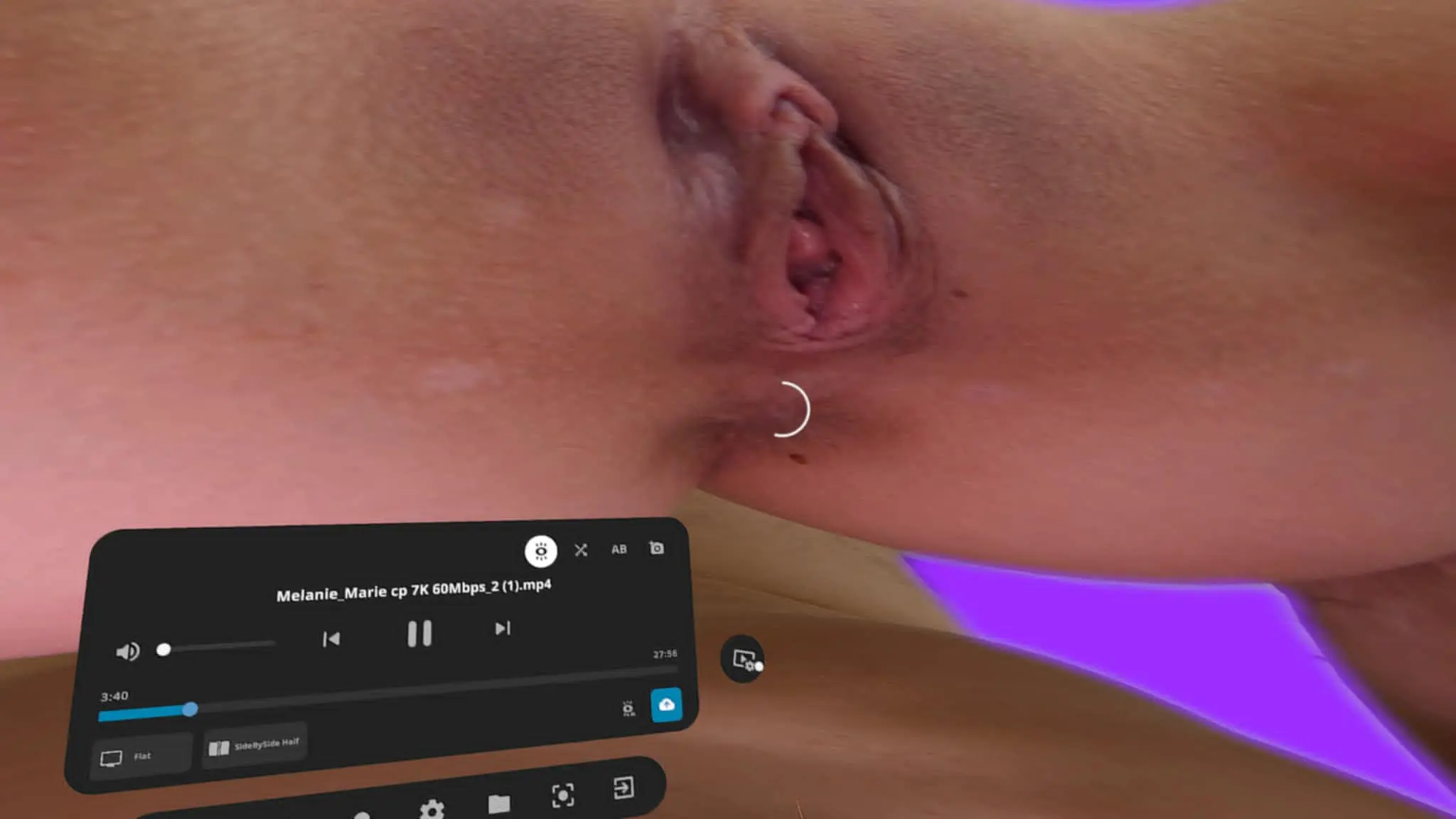
Setting Icon
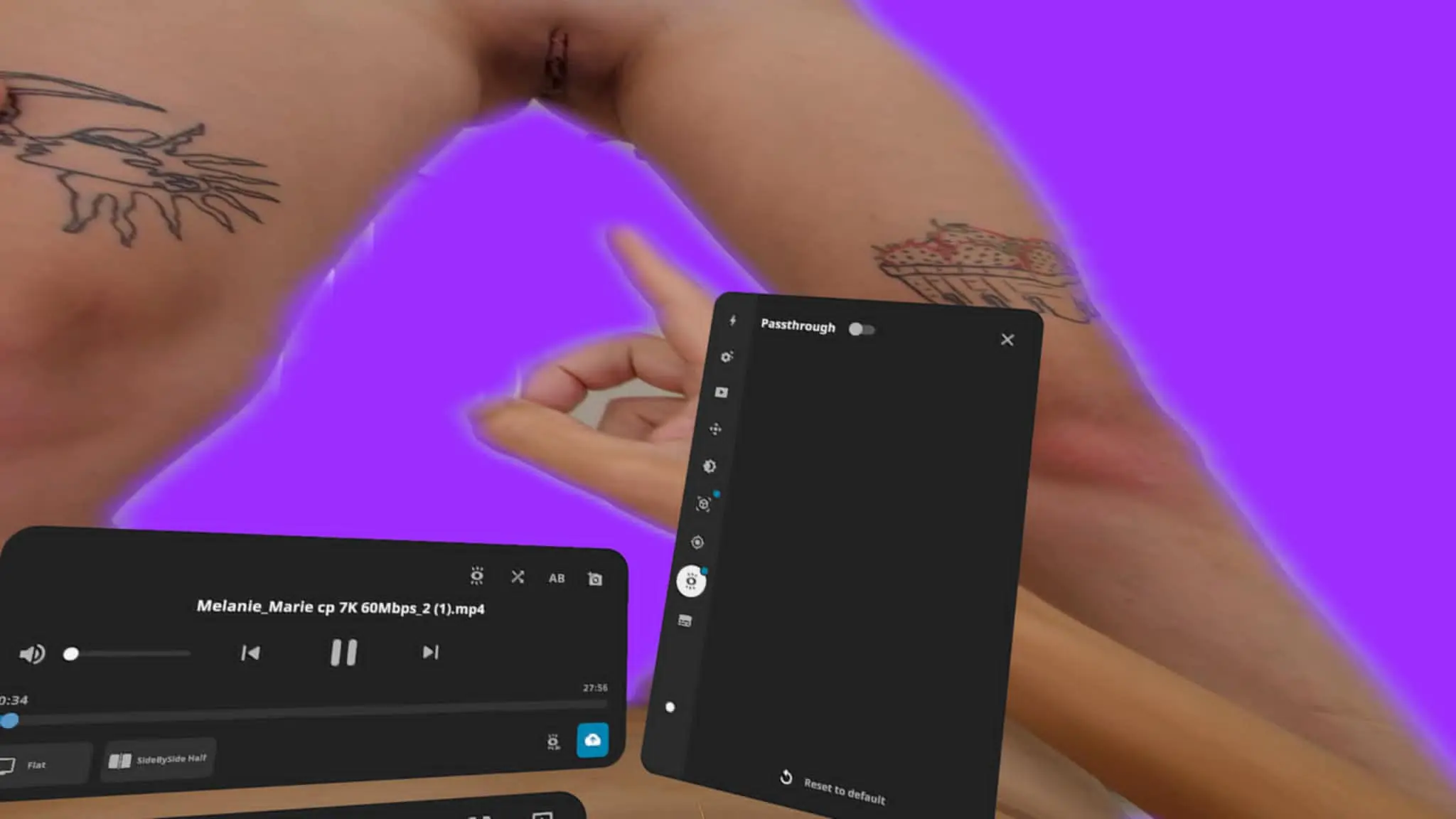
Passthrough Option
6. Set Up Chroma Key Select Chroma Key mode. Use the eyedrop tool to pick the background color from the video. Adjust Hue, Saturation, Brightness, Range, and Falloff sliders until the screen disappears smoothly and your real room appears naturally behind the performer.
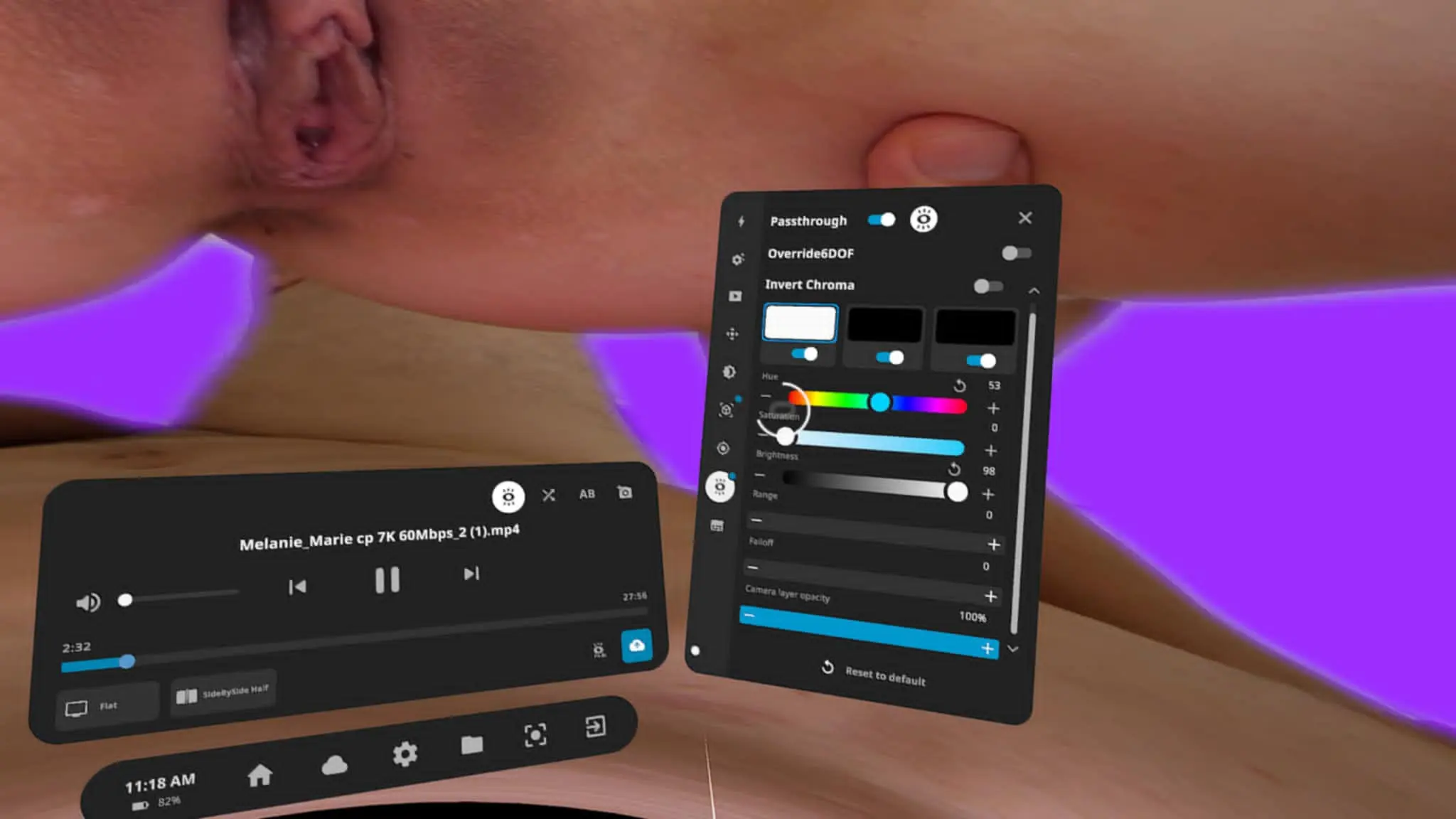
Chroma Key Setting
7. Fine Tune for Best Results You can further adjust brightness, contrast, and edge smoothness to make the passthrough effect look more natural. Once everything looks good, enjoy your favorite Deepinsex performers appearing directly in your own space.
Tips for Best Passthrough Experience
- Play in a room with bright and even lighting for cleaner screen removal.
- Experiment with different passthrough videos as some screen quality may vary.
- Try sitting or standing in different positions in your room to increase immersion.
- Use a strong Wi Fi connection if you prefer streaming instead of local files.
- Melanie Marie Will Fuck You In Your Home is one of the best optimized passthrough videos currently available.
Passthrough technology on Deepinsex combined with DeoVR brings a whole new level of realism by blending virtual performers into your real world environment. With good settings, the experience feels incredibly lifelike.
Have you tried passthrough videos on Deepinsex with DeoVR yet?
Experience True 8K Virtual Reality
Stream our master-grade 8K VR porn scenes in 180° POV and ultra-realistic passthrough on DeepInSex.